
In this post, I’ll teach you how to extract your competitors backlinks.
It’s a simple process that allows you to mine for the link profile of other sites.

However, the biggest challenge is knowing what to do with your competitor backlinks.
But don’t fret – we will detail everything about this SEO process.
Let’s start, shall we?
Table of Contents 1. Why Keep Track of Competitor Backlinks? 2. How to Track The Backlinks of Your Competitors? 3. What to do with Competitors Backlink Data? 3.1. Identify your Competitor’s Best Backlinks and Acquire Them 3.2. Check Where Competitors Publish Guests Posts 3.3. Check Where Your Competitors Leave Comments 3.4. Capitalize on “Lost” Backlinks 3.5. Make Your Content 10x Better 4. Conclusion Why Keep Track of Competitor Backlinks?
Monitoring your competitor’s backlinks brings lots of benefits.
For starters, tracking your competitor’s backlinks allows you to analyze their link profile.
By monitoring their backlinks, you’ll see how many sites are linking to them.
Having this information in your fingertips will be beneficial to you as a site owner.
Because here’s the kicker:
You can get a holistic view of how they reached the top of the SERPs!

Of course, and as mentioned earlier, there’s more to monitoring backlinks. The list of backlinks won’t mean much if you don’t do anything about it!
What does this mean?
So you have a list of sites that link back to your competitors.
Next, you must filter the results to only see the authoritative sites.
Last, you must then find a way to get a backlink from the same sites as well.
Here’s one thing going for you regarding competitor backlinks:
Since they already linked to your competitors, there’s a good chance they will also link back to yours!
Spying on competitor links plays a critical role in building authoritative backlinks to your site. It is a scalable and sustainable technique to help improve your site’s SEO performance.
Gone are the days when building links is a numbers game. Nowadays, you have to work hard and smart to churn out high-quality backlinks to your site.
For instance, a single link from a site like Mashable or TechCrunch possesses more valuable than thousands of links from mediocre sites.
So by focusing your efforts on gathering competitive backlinks, you can fast-track your site to success!
How to Track The Backlinks of Your Competitors?
Now that we’ve established the value that competitor backlink research brings to the table, it’s time to discuss the exact process of finding them.
In particular, we’ll discuss about the most basic way to find backlinks of your competitors using Google search.
On the search bar, type the following:
Link:[competitor URL] -site:[competitor URL]
For this search query, we are using Google search operators to help us filter the results.
“Link” refers to the site that links back to the competitor URL.
Keep in mind that this search operator has been deprecated since 2017. However, it remains a useful alternative for finding backlinks on Google.
“Site” shows you indexed pages of the competitor URL.
The “–” sign before “site” means that we are excluding pages from the competitor URL. This way, we only see pages from other sites that link to your competitor.
When using this search query, replace competitor URL with your own.
Running this query, we’ll check out Neil Patel’s link profile:

On the results below, you will see sites that link to Neil Patel’s. The search query also hides pages from Neil Patel’s site.
Also, to generate 100 URLs for every page, click on Setting > Search settings from the page.

Then you need to toggle to results per page to “100.”

Once done, go back the SERPs to extract the backlink information for easy reference.
To do this, you need to download SEOQuake.

It’s a Chrome extension and Firefox add-on that helps you break down SERPs and web pages according to different SEO metrics.
Once you’ve downloaded and installed SEOQuake, you should see this section on SERPs:

Click on “Export CSV” to download the sheet.
Once done and after you open the file, the data would look like this:

It doesn’t make any sense because the formatting of the sheet is off.
Therefore, before opening the file from SEOquake, make sure to convert it first into .xls or .xlsx so you can open the file using Microsoft Office or Google Sheets without problems.
After converting the file correctly, the data should look like this:

Each link is broken down into SEMrush’s different metrics.
When building links, you want to focus your energies on acquiring links from sites with high SEO scores.
For example, if the site where your competitor got a link from has an SEMrush Rank within 100, then you need to find a way to get a link from that site.
By working on getting links from the best sites, you can accelerate your SEO growth soon!
However, we’ve just downloaded the top 100 results. Neil Patel has over 503,000 backlinks that you can check and review.
To move on to the next 100 links, go to the next page and repeat the process.
Now, I’ve detailed this process for you to understand the difficulty of spying on your competitor backlinks using the manual way.
Because I don’t recommend you doing this at all!
As mentioned earlier, Google discontinued the “link” search operator and no longer returns fresh results.
Also, repeating the exact process for every 100 links from SERPs is a futile exercise.
There’s so much more you can do with your time than by extracting backlinks from competitor sites!
So what do you do?
SEMRush: A Better Alternative for Competitor Backlink Research
For SEO specialists, SEMRush needs no introduction.
This all-in-one SEO software has been around a long time and trusted by experts. It has proven to be one of the best backlink audit and analysis tools over the years.
Best of all, you can generate data and filter them with just a few clicks of a button!
No need to repeatedly save the results on a spreadsheet which could rob hours of your precious time!
EXCLUSIVE 14-DAY TRIAL OFFER
As readers of Master Blogging, I am giving you an opportunity to be better than your competitors by spying on their SEO!
Click here to sign up for a prolonged trial of SEMrush to boost your blog’s SEO performance!
So how does this tool work, you ask?
Typing the domain name on the Domain Overview bar yields you a wealth of information not available from free tools.
A quick search of a domain immediately shows you impressive data about organic search, display advertising, paid search, and more.

As a backlink research tool, SEMrush doesn’t disappoint one bit. It provides an exhaustive list of backlinks broken down into different metrics.

The first two columns of the results are the Page and Trust Scores. The higher they are, the more authority the site wields.
Therefore, if you want to organize the authority of your competitor backlinks, then list them down from highest to lowest.
This removes the process of finding out which site is the best place to get a backlink from.
You can also see organic competitors that have a similar link profile as yours. It lists down sites that share the same referring domains as you do.

The table also shows the Competition Level. The higher the level, the more similar you are with that site. It’s a good index to see which sites to watch out for when running your link building campaign.
Another feature that makes SEMrush unique is the Backlink Gap.
List down your competitor sites to see if you have backlinks from the best sites.

If not, use this as an opportunity to learn how they got the link from the site so you can replicate it!
Now, I’m not going to lie to you. I’ve covered other backlink checker tools in this post to help you spy on your competitor’s link building strategy.
But I’m featuring SEMRush in this post alone as my most recommended backlink analysis tool.
That’s how much I trust and believe in this tool. And so should you!
Again, click here to sign up for a 14-day trial and give this tool a spin. Cancel your subscription anytime.
Now, let’s see…
What To Do With Competitors Backlink Data?
We’ve discussed the things you could do with all the backlinks you’ve gathered using SEMRush.
But what’s more important is knowing what to do with all that data.
The goal is to use your competitor’s link profile to build yours. You may even need to “steal” most of them by getting a link from the site where they have one.
But all is fair game in link building! It’s just a matter of putting the data to good use.

Below are some ideas you can turn competitor backlinks into yours.
1. Identify Your Competitor’s Best Backlinks and Acquire Them
This could be done through any other backlink checking tool. But, to be frank, none are more effective than SEMRush.
In particular, SEMRush has a feature called Backlink Gap that works best for this purpose.
What Backlink Gap does is compare the backlink profiles of five competing websites at the same time.
All you need is to supply the URLs and SEMRush does its thing. Doing this would reveal sites that are linking to your competition but not to you.
As more backlinks are discovered, you’re able to identify the “gaps” or links/sites you could be capitalizing on.

In the example above, four of the biggest shoe brands are put head-to-head to see where each brand’s backlinks are coming from.
There is even additional information when you click on specific dates. You’re shown a brief summary of the day’s backlink activities. That’s incredibly useful for anyone interested in daily reports.

So what do you do when you have a list of missed backlink opportunities?
Simple:
You reach out to these sites (the high-quality ones, anyway) and you try to get your links added.
You analyze the backlinks and figure out why your competitors are being mentioned while you are snubbed.
In most cases, you’ll be surprised at how your link can be added by getting in touch with the author.
For example, if your competitor was linked in a post that curates a list of products related to your business, ask if the author would consider adding yours as well.
The same goes in scenarios where your competitor is giving direct quotes about your industry. You can offer to add a different perspective in exchange for a link.
How frequently you reach out is entirely up to you. What’s important is that you remain courteous and never come off as annoying.
2. Check Where Competitors Publish Guests Posts
Doing guests posts is definitely not dead. You’ll be surprised at how many of your competitor’s backlinks are byproducts of guest posting.
So why not capitalize on it?
Your competitor’s backlinks are a treasure trove of guest post opportunities. You need to get on top of that right away.
To find opportunities using SEMrush, type in the domain of your competitor and click on Backlinks.
From here, you need to filter the results using these options:
Search by anchors – [name of blogger] By Type – Text Click “Follow” instead of “All links”
Once you set up the filters correctly, you should see something similar like this:

Again, not all results will show you sites where your competitors published a guest post or two. Still, it wouldn’t hurt to run through the list to see sites where you can potentially place your own guest post.
Because here’s the thing:
If your competitor was somehow able to land a spot at a high-quality site that accepts guest posts, then so can you!
Every site is different but there’s nothing wrong with sending the site an email introducing yourself and offering your services.
If they are interested in the types of subjects your competition has to offer, then there’s a good chance you have something of value to add.
>> Check out my detailed guide to learn how to leverage guest blogging.
3. Check Where Your Competitors Leave Comments
Backlinks can come in the form of comments.
Your competitor will leave comments in online forums, blog posts, and other places online.
And, sometimes, these comments make for amazing backlinks.
By looking at your competitor’s backlinks, you’re able to see where they have been leaving comments. And if you’re smart, you’d use this opportunity to leave comments as well.
To do this on SEMrush, go to Domain Analytics > Backlinks then click on Anchor on the menu.

Next, scroll down and locate the name of the blogger or person who owns the site.

We want to see the backlinks that use the name as anchor text. It is what most blogger use when leaving comments on a site.
You should see something something like this after clicking:

Read more: masterblogging.com
At it's heart SEO (Search Engine Optimization) developed as an extension to web accessibility by following HTML 4 guidelines, in order to better identify the purpose and content of a document.
This meant ensuring that web pages had unique page titles that properly reflected their content, as well as keyword headings to be better highlight the content of individual pages, and that other tags were treated the same accordingly.
This was necessary, not least because web developers were often only focused on whether their coding worked, rather than the user experience, let alone following web publishing guidelines.
This slowly changed as it became increasingly known that search engines used these "on-page" signals to provide their "Search Engine Results Pages" (SERPs) - and that there was an advantage to ranking higher on these to tap into free and natural organic traffic.
The internet has evolved a lot since those early days, and major search engines such as Google now process far more "off page" information when determining their search results, not least by using semantic processing, collating user data, and applying neural networks for the machine learning of patterns, trends, and personal preferences.
Even still, the core ideals of SEO remain the same as they always have - that of ensuring pages have the correct tags for targeting keywords, not just for natural search results, but also for PPC (Pay Per Click) and other marketing campaigns, where call-to-action (CTA) and conversion rates are essential indicators of success.
But how does a business know which keywords to target on its sales pages? How does a website filter transactional traffic from general site visitors? And how can that business increase its ability to capture targeted traffic from across the internet? Here we list a number of tools that will help do exactly that.
We've also highlighted the best free SEO tools of 2019
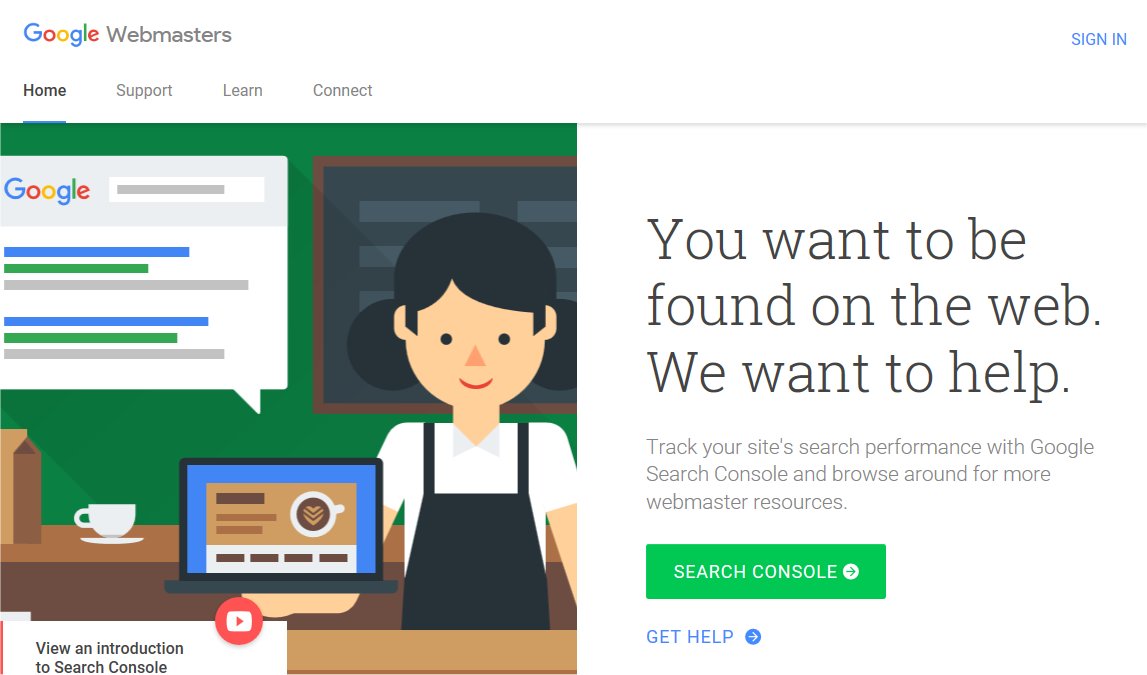
Image credit: Google
Google Webmaster Tools (GWT) is an excellent way for newbie webmasters to get started with SEO. The arsenal of tools includes 'Fetch as Goole', which allows you to view URL's in the same way as Google does. This is a very simple way to detect and troubleshoot poor Search Engine Optimization. You can then modify your page accordingly and even review code to make sure your site has not been hacked.
'PageSpeed Insights' permits you to perform speed checks on desktop and mobile versions of your site. As mobile traffic now consumes a hefty portion of web traffic overall, this is crucial for ensuring mobile visitors access and remain on your pages.
The 'structured data testing tool' is also useful for checking data has been inputted correctly, performing validation routines to check it's in the right format.
Google also very generously offers a free chat with a personal representative via Hangouts. You can make use of this feature during regular office hours for assistance with site issues such as mastering the various tools and detecting malicious activity. Further help is available visit the GWT forum. This is a place for Webmaster's to connect and share troubleshooting and performance tips.
GWT has received the universal praise online with the only criticism being a slight delay between when data is posted and when it is reported.
You can sign up for Google Webmaster Tools here
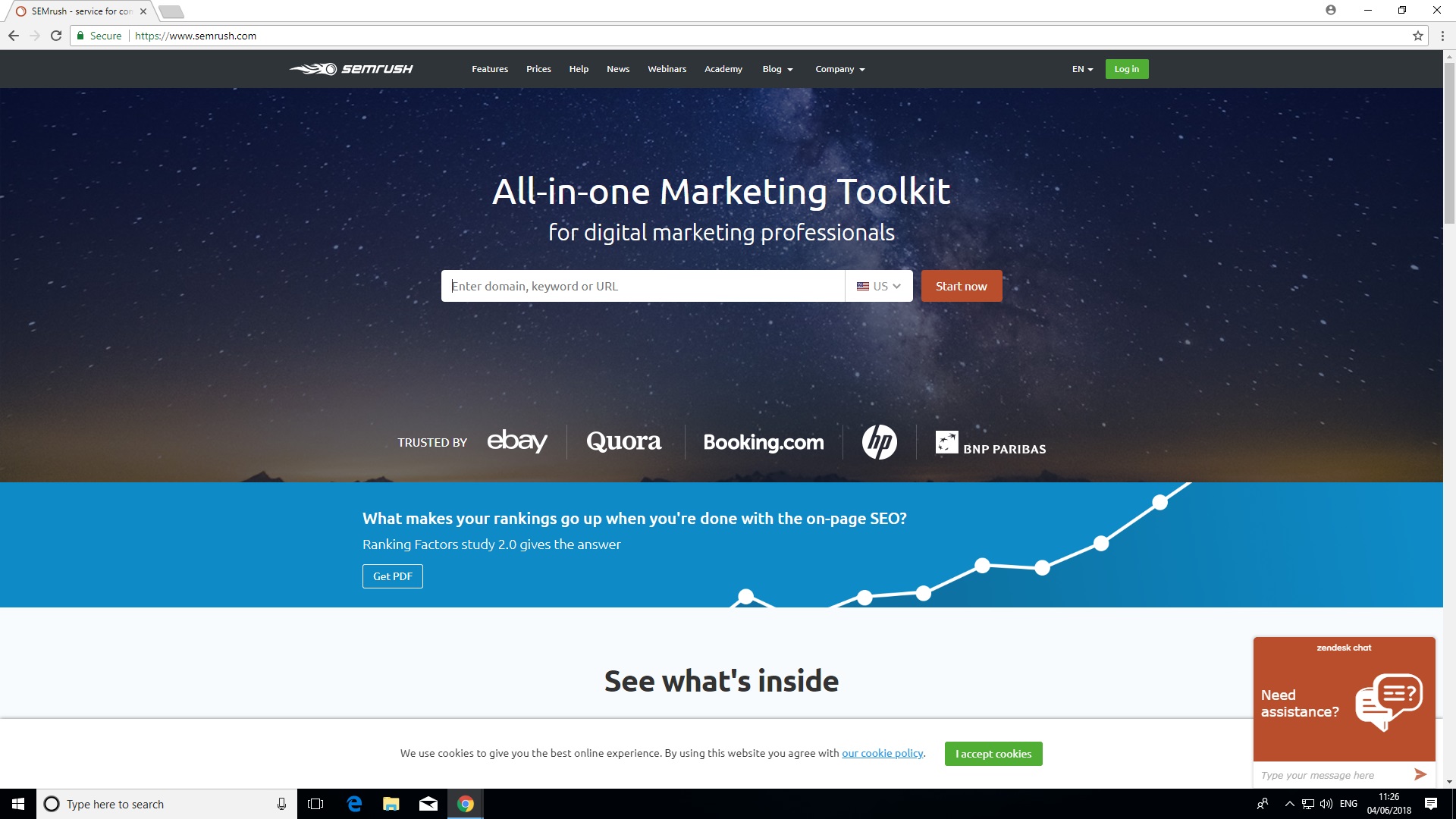
Image credit: SEMrush
SEMrush SEO tools was originally developed in 2008 by SEMrush. In 2018, the project received funding of $40 million for expansion.
The keyword research tool is accessible from SEMrush's super elaborate dashboard. You can view detailed keyword analysis reports as well as a summary of any domains you manage.
More crucially, the SEO toolkit allows you to compare the performance of your pages to see how you rank against the competition. For instance, you can analyze backlinks from other websites to yours. (this process is sometimes as 'link building').
Traffic analytics helps to identify your competitors' principle sources of web traffics, such as the top referring sites. This enables you to drill down to the fine details of how both your and your competitors' sites measure up in terms of average session duration and bounce rates. For those new to SEO slang 'bounce rates' are the percentage of visitors who visit a website then leave without accessing any other pages on the same site.
The domain overview does much more than provide a summation of your competitors' SEO strategies. You can also detect specific keywords they've targeted as well as access the relative performance of your domains on both desktop and mobile devices.
SEMrush has received many positive mentions online but has been critiqued for use of SEO jargon such as 'SERP' which may alienate inexperienced users. A 'Pro' subscription costs $99.95 (£74.52) per month which includes access to all SEO tools.
You can sign up for SEMrush SEO toolkit here
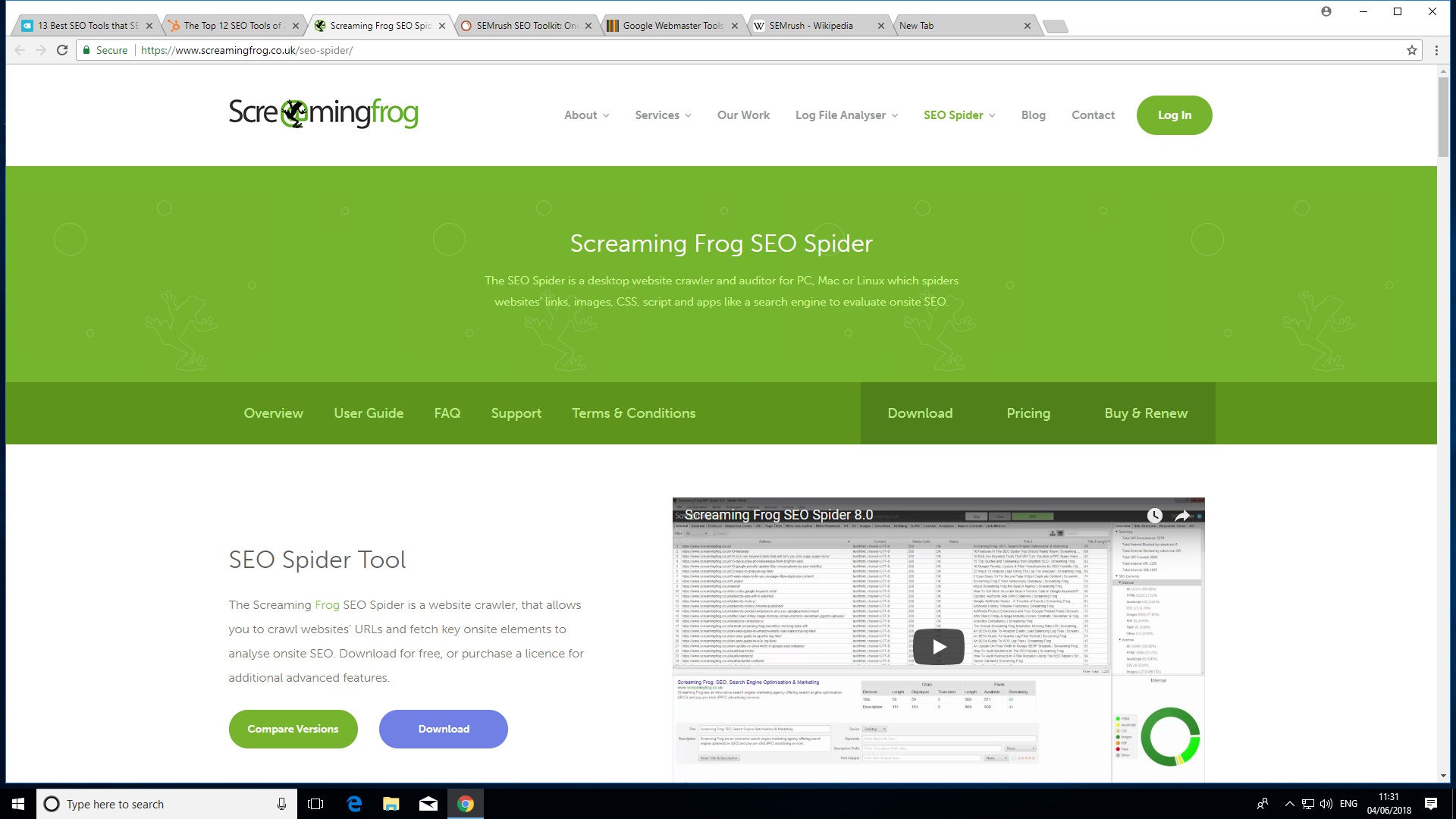
Image credit: Screaming Frog
SEO Spider was originally created in 2010 by the euphemistically named "Screaming Frog". This rowdy reptile's clients include major players like Disney, Shazam and Dell.
One of the most attractive feature of SEO Spider is its ability to perform a quick search of friendly URL's. SEO best practices dictate that search engines are much more likely to index simple, relevant and human readable URL's over addresses which are a meaningless string of characters, so this feature is a major bonus.
SEO Spider can also crawl your site to check for broken pages. This saves you the trouble of manually clicking each link to rule out '404 errors'.
The tool also allows you to check for pages with missing title tags, duplicated meta tags, tags of the wrong length and any other features which are not in line with the very best SEO practices.
SEO Spider also checks the number of links placed on each page to avoid the poor SEO practice of posting too many on one page. This usually confuses visitors to your site, causing them to go elsewhere and Google also ranks down pages with over 100 'outlinks'.
There is both a free and paid version of SEO Spider. The free version contains most basic features such as crawling redirects but this is limited to 500 URLs. You also can not customize robots.txt and there's no google analytics integration. This makes the 'Lite' version of SEO Spider suitable only for smaller domains. The paid version $180 (£149) per year and includes more advanced features as well as free tech support.
You can sign up for SEO Spider here
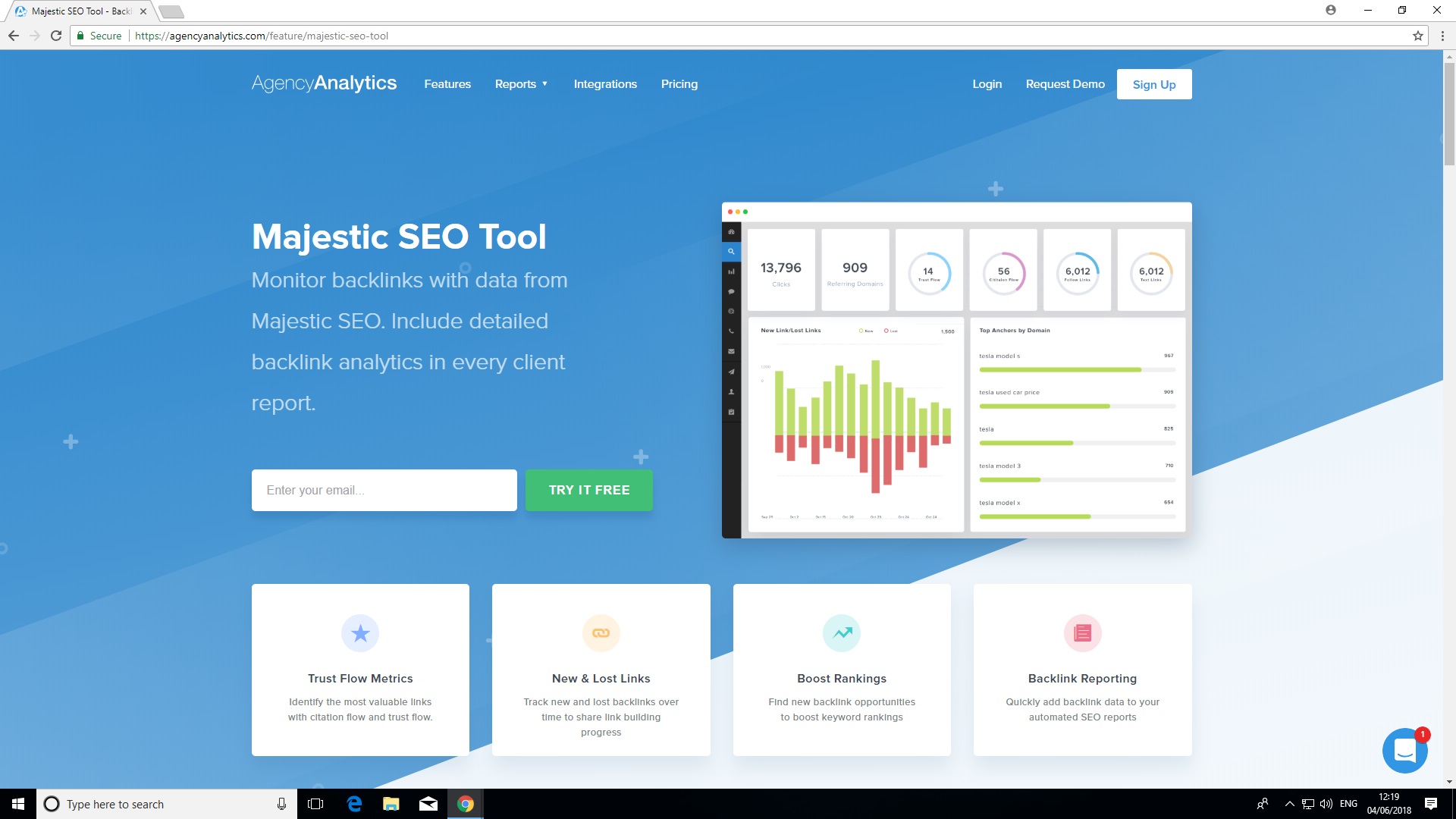
Image credit: Majestic SEO Tools
Majestic has consistently received praise from SEO veterans since its inception in 2011. This also makes it one of the oldest SEO tools available today.
The tools main focus is on backlinks, which represent links between one website and another. This has a significant influence on SEO performance and as such, Majestic has a huge amount of backlink data.
Users can search both a 'Fresh Index' which is crawled and updated throughout the day, in addition to an 'Historic Index' which has been praised online for its lightning retrieval speed. One of the most popular features is the 'Majestic Million' which displays a ranking of the top 1 million websites.
The 'Lite' version of Majestic costs $50 (£39.99) per month and incorporates useful features such as a bulk backlink checker, a record of referring domains, IP's and subnets as well as Majestic's integrated 'Site Explorer'. This feature which is designed to give you an overview of your online store has received some negative comments due to looking a little dated. Majestic also has no Google Analytics integration.
You can sign up for Majestic SEO Tools here
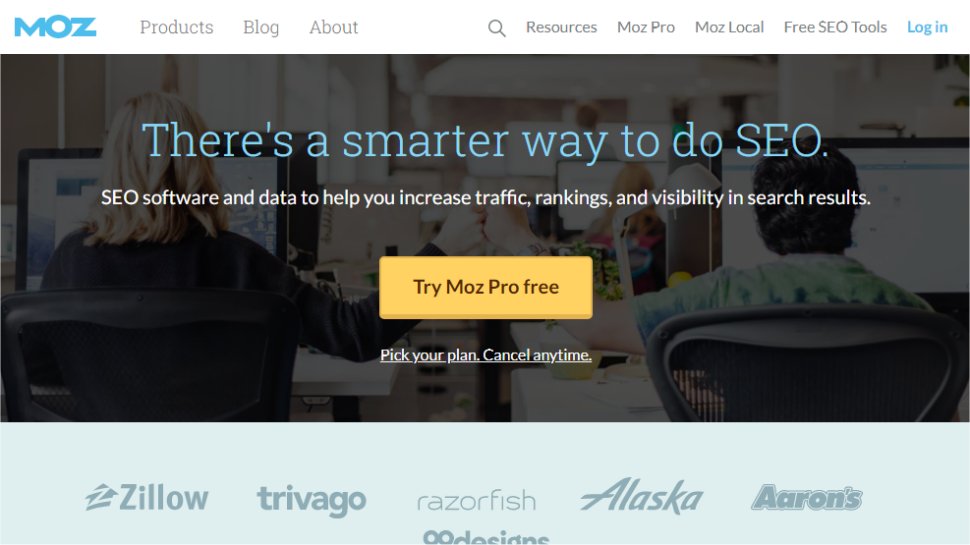
Image Credit: Moz Pro
Moz.com is a platform of SEO tools that aim to help you increase traffic, rankings, and visibility across search engine results.
Key tools include the ability to audit your own site using the Moz pro spider, which should highlight potential issues and recommend actionable insights. There's also the ability to track your site rankings over hundreds or even thousands of keywords per website.
There's also a keyword research tool to help determine which keywords and keyword combinations may be the best for targeting, and there's also a backlink analysis tool which mixes a combination of metrics including anchor text in links as well as estimated domain authority.
Pricing for Moz Pro begins at $99 (£80) per month for the Standard plan which covers the basic tools. The Medium plan offers a wider range of features for $179 (£150) per month and a free trial is available. Note that plans come with a 20% discount if paid for annually. Additional plans are available for agency and enterprise needs, and there are additional paid-for tools for local listings and STAT data analysis.
Even if you don't sign up to Moz Pro, a number of free tools are available. There's also a huge supporting community ready to offer help, advice, and guidance across the breadth of search marketing issues.
You can sign up to Moz Pro here
Read more: techradar.com
At the end of 2018, Google said mobile-first indexing — that is, using a website’s mobile version to index its pages — was being used for over half the web pages in Google search results. Today, Google announced that mobile-first indexing will now be the default for all new web domains as of July 1, 2019.
That means that when a new website is registered it will be crawled by Google’s smartphone Googlebot, and its mobile-friendly content will be used to index its pages, as well as to understand the site’s structured data and to show snippets from the site in Google’s search results, when relevant.
The mobile-first indexing initiative has come a long way since Google first announced its plans back in 2016. In December 2017, Google began to roll out mobile-first indexing to a small handful of sites, but didn’t specify which ones were in this early test group. Last March, mobile-indexing began to roll out on a broader scale. By year-end, half the pages on the web were indexed by Google’s smartphone Googlebot.
Google explained the change to how sites are indexed is aimed at helping the company’s “primarily mobile” users better search the web. Since 2015, the majority of Google users start their searches from mobile devices. It only makes sense, then, that the mobile versions of the website — and not the desktop pages — would be used to deliver the search results.
Mobile-first indexing isn’t the only way that Google has begun catering to the larger mobile majority.
Several years ago, it also began to boost the rank of mobile-friendly webpages in search. Last year, it added a signal that uses page speed to help determine a page’s mobile search ranking. Starting in July 2018, slow-loading content became downranked.
While many sites today now show users across desktop and mobile the same content, those that have not yet achieved this parity have a variety of resources to help them get started. Site owners can check for mobile-first indexing of their website by using the URL Inspection Tool in the search console to see when the site was last crawled and indexed. Google also offers a host of documentation on how to make websites work for mobile-first indexing, and suggests that websites support responsive web design — not separate mobile URLs.
“We’re happy to see how the web has evolved from being focused on desktop, to becoming mobile-friendly, and now to being mostly crawlable and indexable with mobile user-agents,” said Google, in its announcement today.
Read more: techcrunch.com

For any organisation, seo (SEO) is among the most essential elements of digital marketing today. How you enhance your site has a significant effect on where it ranks on online search engine.
The most popular methods for SEO are: backlinks, on-page optimization (keyword abundant material), and metadata. Let’’ s not forget that there are other methods to guarantee your site is in leading shape for search engines.
Google wishes to guarantee it offers users with the most optimum search experience, which has actually triggered the online search engine to continuously alter its ranking metrics. It now consists of metrics that consider whether the site is enhanced for mobile, the website’’ s speed, security, and so on. All to guarantee that users get what they are searching for together with the website experience.
Which makes you question whether popular methods like backlinks are less important than they were in the past.
.What is a backlink?When one site utilizes a link to link to another website within its material, #ppppp> Backlinks take place. The method has actually belonged of SEO for years now as it offers a ““ vote of self-confidence” ” to online search engine that the connected site has important and dependable details. The technique has actually ended up being a staple in ranking almost any kind of material.
.Are backlinks still reliable?
In order to comprehend the worth of backlinks, it is essential to identify how efficient they remain in 2019. Backlinks launched a list that highlights ranking aspects on Google, which offered much value to backlinks. When it comes to ranking, mentioning that search engines still value the number of referring domains for an organisation. It even referrals a chart that reveals a direct connection in between greater service rankings on Google with the variety of backlinks a website has.
SEMRush has actually likewise released a research study that values backlinks; specifying that it is the 5th essential element when it concerns ranking on online search engine. If you desire to beat your competitors and accomplish greater rankings, this reveals that the strategy is still important.
Since not all backlinks are equivalent, #ppppp> But there are various aspects that figure out the efficiency of your backlinks. The aspects that matter are:
.Quality of referring domain: the more reliable the referring domain is, the more efficient the backlink. The effect of such backlinks on rankings will be limited if many of your backlinks are from typical to low-grade sites. The variety of backlinks: this is apparent; more links pertaining to your site increases the possibilities of much better rankings. Keep in mind to keep the quality of referring domains in mind. Anchor tag of the link: when the targeted keyword is utilized with the backlink, it somewhat assists improve the possibilities of ranking greater for the specific keyword. It isn’t a certainty, however it does have an effect when it pertains to popular keywords. Strategies together with backlinks you must concentrate on.
It doesn’t appear like backlinks will lose their worth at any time quickly; in regards to SEO. These olden strategies still rule supreme as far as worth goes.
.Appropriate, quality material.
The more significance and quality your material has, the greater the possibilities of much better rankings . This is why blogging is among the most reliable methods to effect SEO given that blog sites are simple to incorporate and develop into sites. They likewise make it possible for organisations to continuously supply users with quality material that matters for their audience.
.Material that is abundant in keywords.
Yes, it’’ s real that Google doesn’t like keyword packed material, which is why you require to craft material that masterfully includes your target keywords. In 2019, you likewise require to bear in mind that individuals aren’t simply typing when they browse however likewise utilizing voice commands. With this in mind, bear in mind that you must consist of minor variations of your keyword.
Some more recent elements that your organisation need to think about are:
.Mobile optimization: in 2018, more than 50% of web traffic was from a mobile phone. When it comes to browse engine ranking, it makes sense that Google punishes those sites that are not enhanced for mobile gadgets. Website speed: how quick your site loads plays an important function in user experience. You require to make sure that it loads within 3 seconds otherwise it might be thought about sluggish by Google, injuring your opportunities of ranking greater. Latest thing.
Think once again prior to taking backlinks out of your digital marketing method. The technique is still extremely pertinent today as it was a years earlier. Its efficiency depends primarily on the authority of the website that connects back to yours, the variety of backlinks you can summon, and most likely most significantly now, the importance of the short article and site connecting to you. Rather than restricting your backlinking efforts, you need to ramp them up. If you really desire to rank greater and stay an action ahead of your competitors, that is.
The post Are Backlinks Becoming Less Valuable? appeared initially on All Blogging Tips and is composed by Karen
Special: 86+ Premium style for $39: Check out Elegant styles
.
Read more: allbloggingtips.com